Best Watches for Kids 2026: GPS, Calling, Activity Tracking or Just a Clock?
One of my kids uses a Fitbit mostly for the time, alarms and activity tracking. Some of his friends wear Apple Watches so their parents can message them. Those are two completely different reasons to buy a watch, and they should not lead to the same recommendation.
A child who only needs a clock does not need a monthly cellular plan. A child who walks to school, goes to activities without you or spends time at friends’ houses may benefit from a watch that can actually call or message a parent. The first decision is what problem you are trying to solve.
Most kids do not need the most expensive smartwatch.
Start with the simplest watch that solves the real problem. Add cellular only when your child actually needs to contact you without a phone nearby.
What does your child actually need?
Answer four questions. The result will point you toward the type of watch I would compare first.
Does a kids watch need a phone plan?
Only if you want the watch to communicate or share its location while your child is away from your phone and Wi-Fi. A clock or activity tracker does not need cellular service.
Best Watches for Kids in 2026
Start with what you need the watch to do. A cellular watch is overkill if the real need is an alarm and a step count. Select up to three watches below to compare them.
Apple Watch SE 3 GPS + Cellular
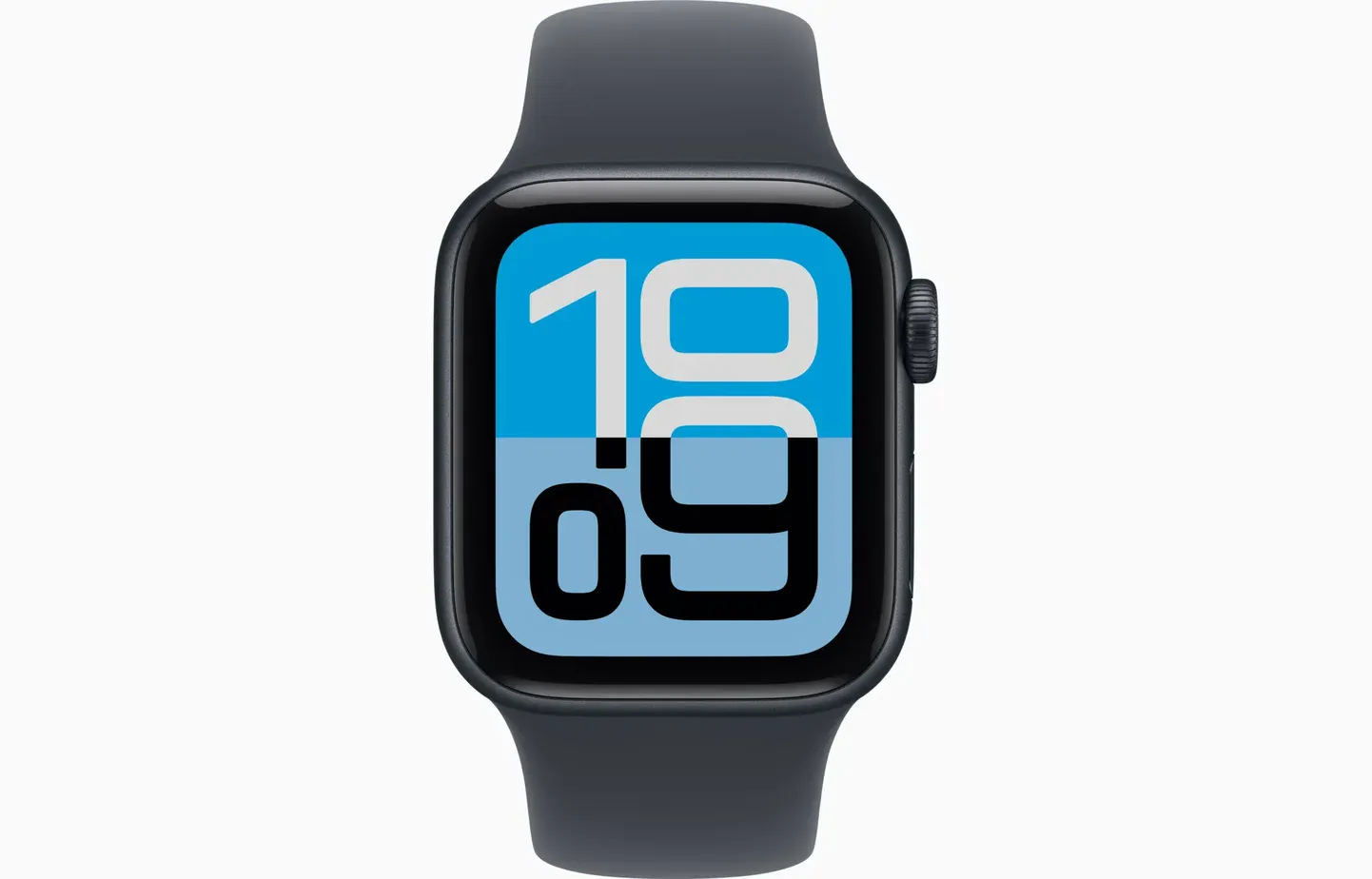
Best when the goal is calling, texting and location without giving the child their own iPhone.
Garmin Bounce 2
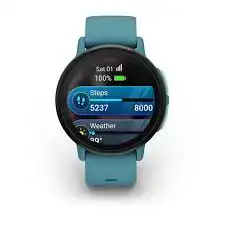
Calls, messages, boundaries and location without changing the parent’s phone carrier, but read the reliability warning.
Garmin vívofit jr. 3
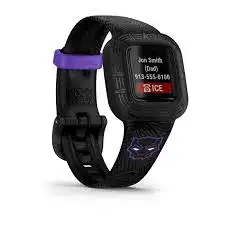
A simple current kids tracker for steps, activity, sleep and alarms with a user-replaceable battery that can last up to a year.
Fitbit Ace 3
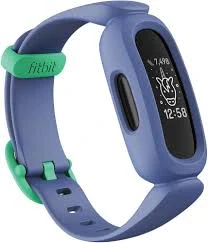
Time, alarms, timer, steps, active minutes and sleep without turning the wrist into a phone.
Fitbit Ace LTE
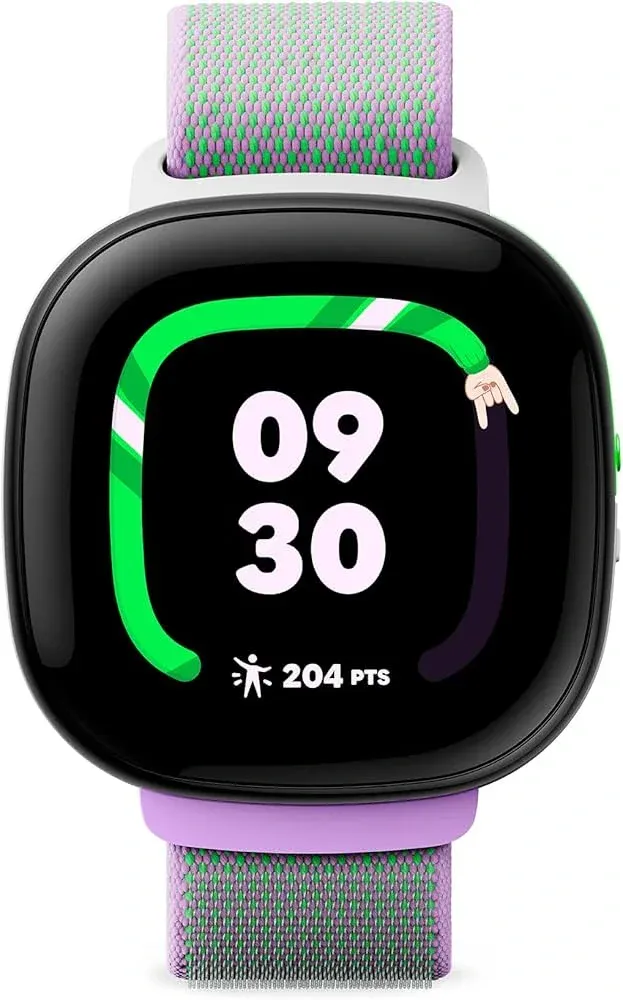
A true kids communication watch with GPS and School Time, but it is US-only and uses a closed Ace communication system.
Basic Digital Watch
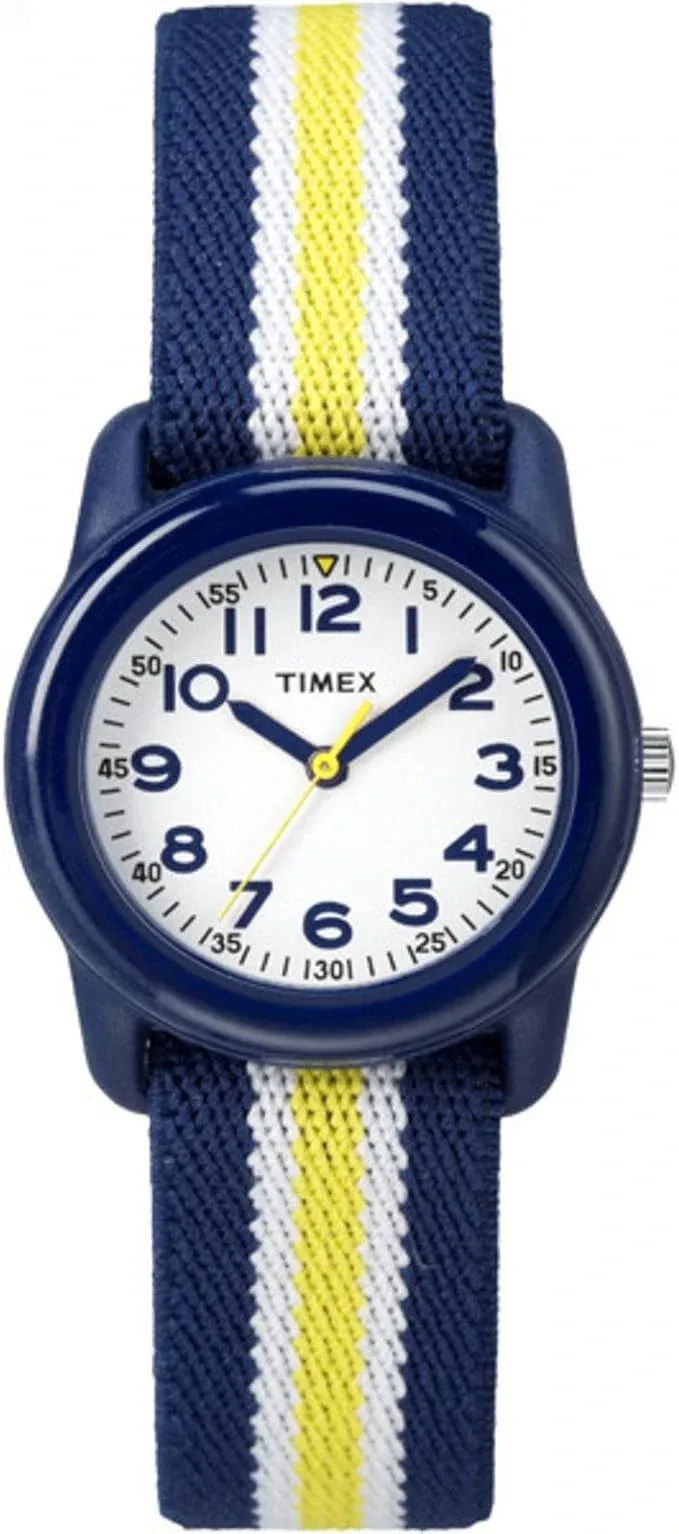
If your child needs a clock, alarm and stopwatch, a simple watch is cheaper, easier and less distracting.
Should You Get Your Child a Smartwatch at All?
A connected watch makes the most sense when a child is starting to do things without a parent right beside them. Walking to school, going to a friend’s house, staying at practice or spending time at a park are all situations where a simple way to contact home can be useful.
It makes less sense when the watch is mainly being bought because GPS feels reassuring. Location tracking can lag, fail inside buildings or stop when the battery dies. Garmin specifically documents possible location and messaging delays on Bounce watches, and Google says Ace LTE communication and location depend on network connectivity.
Check the school rule before buying
Schooltime and School Mode can reduce distractions, but they do not override school policy. If connected watches are banned in class, a cellular watch may not solve the problem you bought it for. A basic digital watch or activity tracker may be the better school-day choice.
The Watches I Would Compare First
Apple Watch SE 3 GPS + Cellular
Good choice if: your child needs a way to call or message you without carrying an iPhone, and the parent managing the watch already uses an iPhone.
Apple Watch SE 3 is the connected watch I would start with in an iPhone household. Apple Watch For Your Kids lets a parent set up a GPS + Cellular watch for a child who does not own an iPhone. The child gets their own number, can call or message approved contacts, and the parent can see the watch in Find My.
Schooltime can be scheduled from the parent’s iPhone and blocks notifications and apps while it is active. It is not a hard lock, though. A child can temporarily exit Schooltime. The parent gets a notification when that happens, and during scheduled hours Schooltime turns back on after the child lowers their wrist.
The parent also needs an iPhone to set up and manage the watch. One parent’s iPhone acts as the primary manager. Other parents in the same Family Sharing group can see the child’s location, but the full watch-management controls stay with the account that completed setup.
A watch set up through Apple Watch For Your Kids also does not get every normal Apple Watch feature. Apple currently lists Apple Pay with regular credit or debit cards, Medications, Sleep and ECG among the features that are unavailable without the child’s own iPhone.
Garmin Bounce 2
Good choice if: you want calling, messaging and boundaries without joining the Apple ecosystem.
Bounce 2 is one of the few mainstream Canadian choices for an Android household. Garmin handles the LTE subscription, so you do not need to add the watch to the same phone carrier the parents use.
It can make two-way calls, send messages, show location and notify parents when the child enters or leaves a boundary. School Mode, alarms, activity apps and a swim-friendly build make it more useful than a pure tracking device.
The communication system is more closed than Apple Watch. Adults generally use the Garmin Jr. app, while child-to-child messaging is designed around other Bounce watches that have been approved as contacts.
Garmin vívofit jr. 3
Good choice if: you want activity tracking and alarms without adding another device to the nightly charging routine.
vívofit jr. 3 is much simpler than the connected watches here. It uses a replaceable CR2025 battery that Garmin rates for up to a year, tracks steps, activity and sleep, and works with Garmin Jr. for chores, rewards and family features.
For a younger child who mainly wants a watch and step counter, the lack of cellular can be an advantage rather than a missing feature.
Fitbit Ace 3
Good choice if: your child likes Fitbit and you find Ace 3 at a sensible price. It still covers time, vibrating alarms, timers and activity without calls or GPS.
Ace 3 can still be enough for a child who does not need independent communication. It shows the time, tracks steps, active minutes and sleep duration, and has alarms, a timer and a stopwatch.
It is an older model. Ace 3 no longer appears in Google’s current Store tracker lineup, but Google still documents support for it in Google Health and lists security updates through at least September 2027. I would buy it only if the price makes sense rather than paying a premium for old stock.
There is also less to manage. You do not have an LTE bill, and the tracker is not another place for messages to arrive during class.
Fitbit Ace LTE
Good choice if: you live in the US and want a Google-managed kids watch with calling, GPS, activity tracking and School Time.
Ace LTE is a different product from Ace 3. It has built-in LTE, GPS, calling, messaging, activity tracking, alarms and School Time.
Communication stays inside Google’s Ace system. Approved contacts use the Fitbit Ace app to call or message the watch, and Google supports up to 20 contacts. That may be perfectly fine for parents and grandparents, but it is less flexible as kids get older and want to communicate with friends using normal phones or Apple Watches.
In Canada, Ace LTE is not an option right now. Google says the watch and Fitbit Ace app are available only in the United States, excluding Alaska and US territories.
A Basic Digital Watch
Good choice if: your child needs to know when recess ends, wake up to an alarm, time an activity or learn to manage their own schedule.
It is easy to turn a small problem into a $400 watch plus a monthly bill. If your child does not spend time independently and does not need to contact you, start with a regular watch.
A basic digital watch also works in more school settings, has less to fiddle with and is much less painful to replace if it disappears at camp or gets left in a locker.
What Comes Up Again and Again in Parent Discussions
Many families are using a watch to delay the first phone
A recurring theme in parent discussions is wanting a child to be reachable before the family is ready for a full smartphone. That tends to be the clearest reason to pay for a connected watch.
Communication matters more than fitness once cellular is involved
When parents pay for LTE, the complaints are rarely about step counting. They care about whether the call rings, the message arrives and the location updates when they need it.
Closed messaging systems become more annoying as kids get older
Garmin and Fitbit give parents strong control, but friends and relatives may need the brand’s app or matching watch. Apple Watch is more flexible for older kids because it behaves more like a normal cellular watch with approved contacts.
School distraction is real
Parents often want the watch specifically for school pickup or the walk home, while teachers may see it as another screen. School modes help, but checking the school’s rule first can save an expensive mistake.
GPS is not instant
Small watches have limited battery and radios. Location can lag indoors or in weak coverage, so live tracking should not be treated like a perfect real-time map.
What Canadian Parents Need to Know
For Canadian iPhone families, Apple Watch For Your Kids is straightforward if your carrier supports it. Android families have fewer mainstream choices. Garmin Bounce 2 is one option because Garmin supplies the LTE service itself, but recent owner feedback is mixed.
Fitbit Ace LTE is not a Canadian fallback because Google still restricts it to the United States. A US kids-watch list can therefore be misleading for Canadian families.