Garmin vs Apple Watch for Running: Which One Should You Buy?
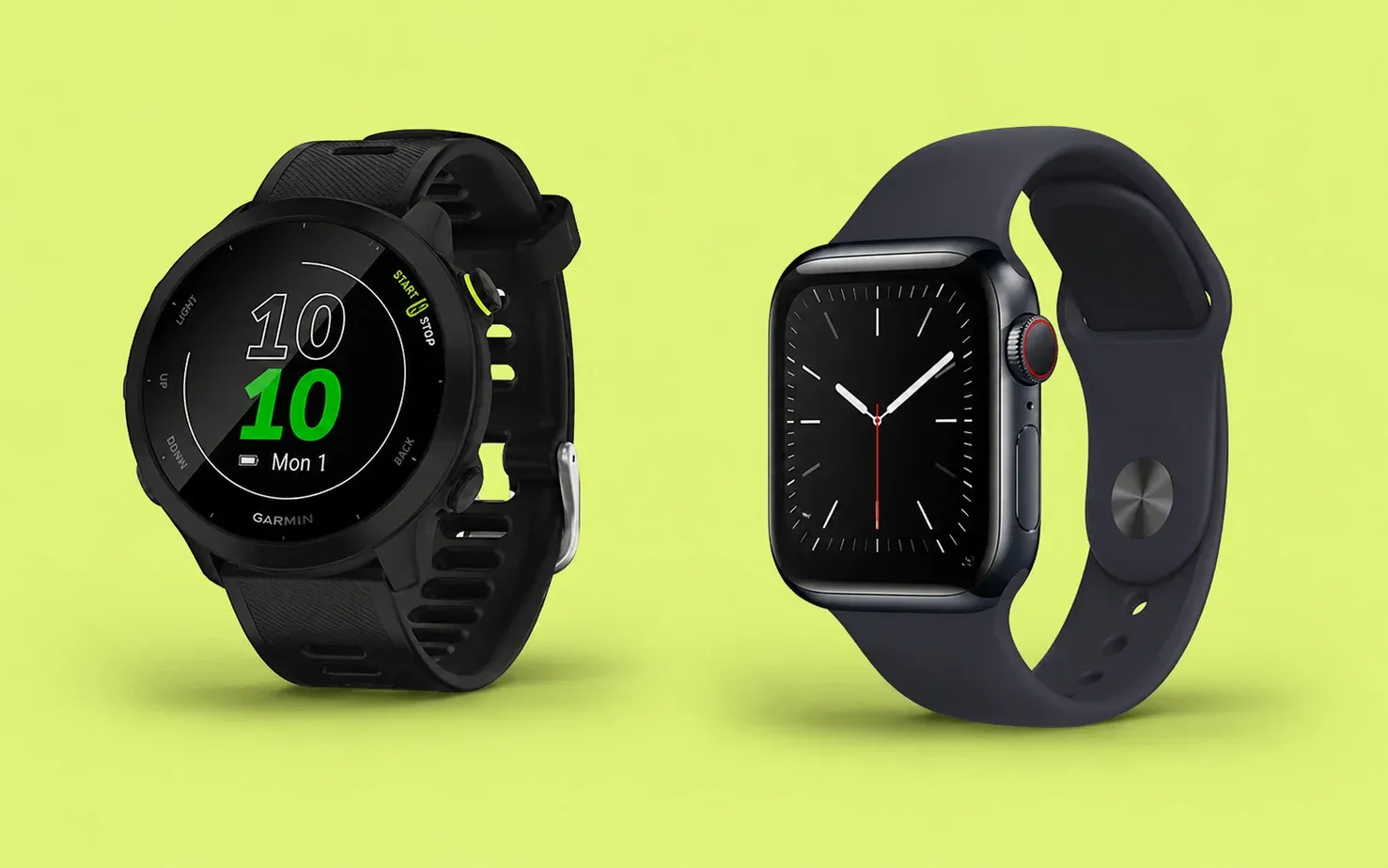
Garmin and Apple can both track a run well. The better choice depends on what you want the watch to do the other 23 hours of the day, and how seriously you train.
If running is the main reason you are buying a watch, Garmin is usually easier to train with. You get longer battery life, physical buttons, deeper training and recovery tools, and better options for maps and long races. Apple Watch makes more sense if you want one iPhone companion for calls, messages, apps, music, payments and workouts.
Garmin for running first. Apple Watch for smartwatch first.
For race training, long runs and trail use, I would start with Garmin. For an iPhone user who wants strong run tracking plus the better everyday smartwatch, Apple Watch is the better fit.
Should you buy Garmin or Apple Watch?
Choose the answer that sounds most like you. This is meant to narrow the choice, not replace the full model comparison below.
Garmin vs Apple Watch: what matters to you?
Pick a category to see the tradeoff without scrolling across a wide comparison table.
Which is better for the way you run?
Compare one Garmin with one Apple Watch
Choose the two models you are actually considering. The key differences will update below.
Garmin and Apple Watches I Would Compare First
Garmin Forerunner 170
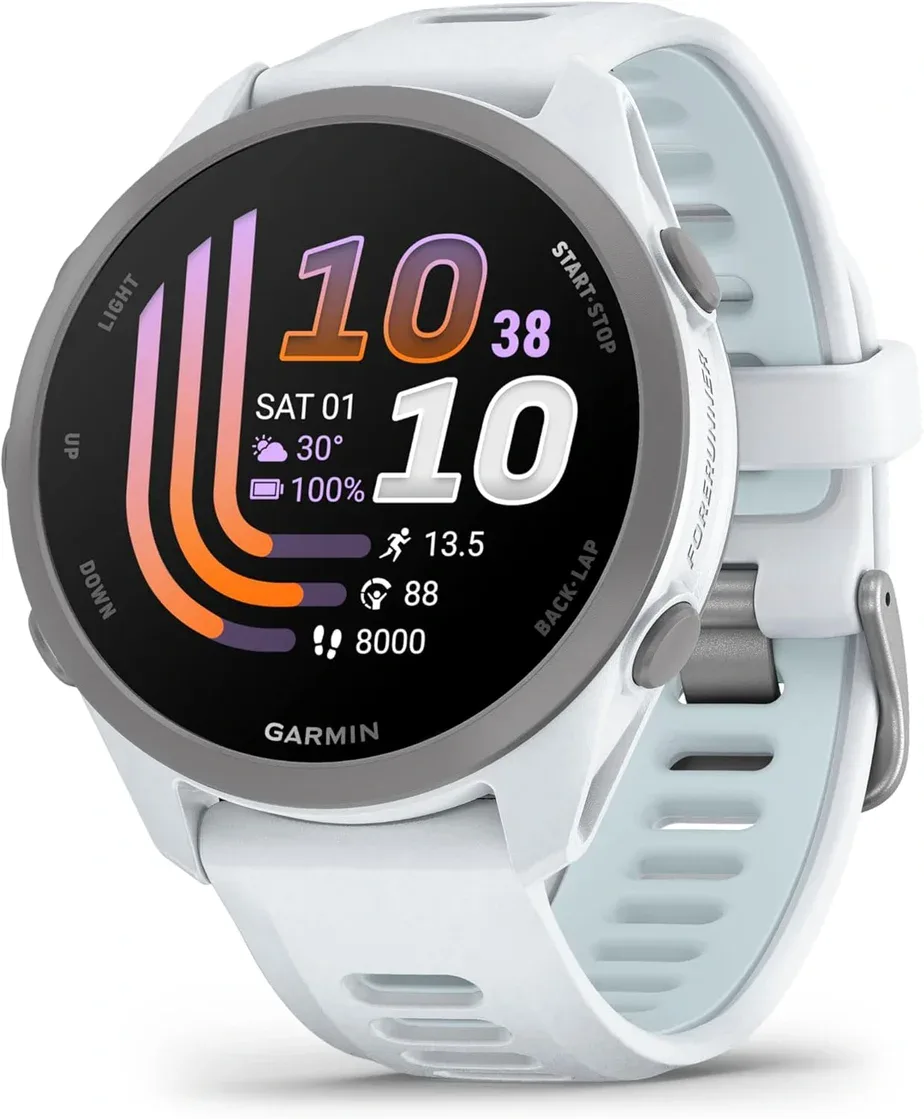
Good choice if: you want Garmin training tools, Garmin Pay and optional music without paying for maps or premium materials.
Check Forerunner 170 PriceThe Forerunner 170 is the Garmin I would start with for most road runners. It includes Training Readiness and Training Status, and the Music version stores audio for phone-free runs.
It uses standard rather than multi-band GPS and does not have full maps. If you regularly run in dense city centres, heavy tree cover or on unfamiliar trails, move up the Garmin range.
Garmin Forerunner 570
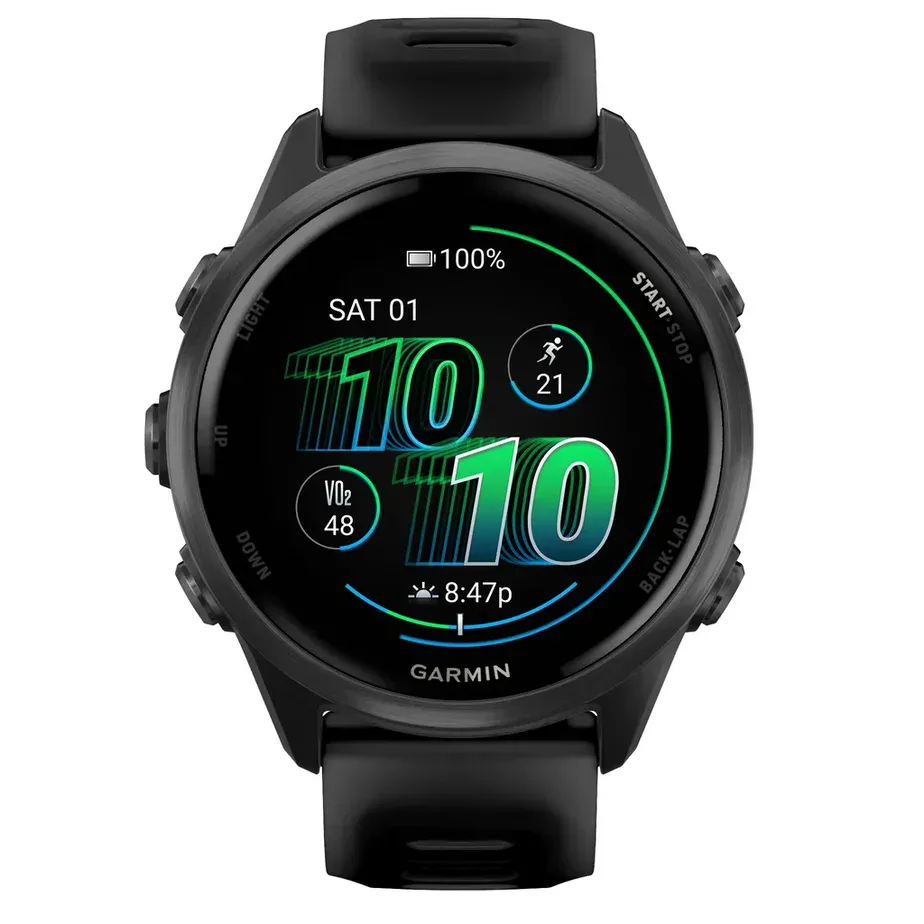
Good choice if: structured workouts, race training and multisport matter more than maps.
Check Forerunner 570 PriceThe 570 moves into more serious training territory with multi-band GPS, two case sizes, triathlon support and deeper training tools. It also has a built-in speaker and microphone for calls when paired with a compatible phone.
For marathon training, I would choose it over Series 11 if the watch is mainly a training tool. The buttons, battery and Garmin training ecosystem are easier to use during high-volume weeks.
Garmin Forerunner 970
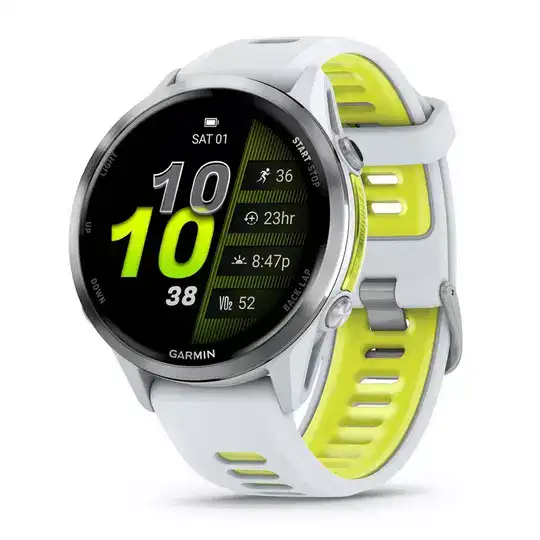
Good choice if: you will actually use maps, multi-band GPS and Garmin’s premium running features.
Check Forerunner 970 PriceThe 970 is the Garmin to compare with Ultra 3 if maps and serious training matter more than smartwatch apps. It adds built-in maps, multi-band GPS, sapphire glass and a flashlight.
It is expensive. If you mostly run familiar roads, the 570 is easier to justify.
Apple Watch Series 11
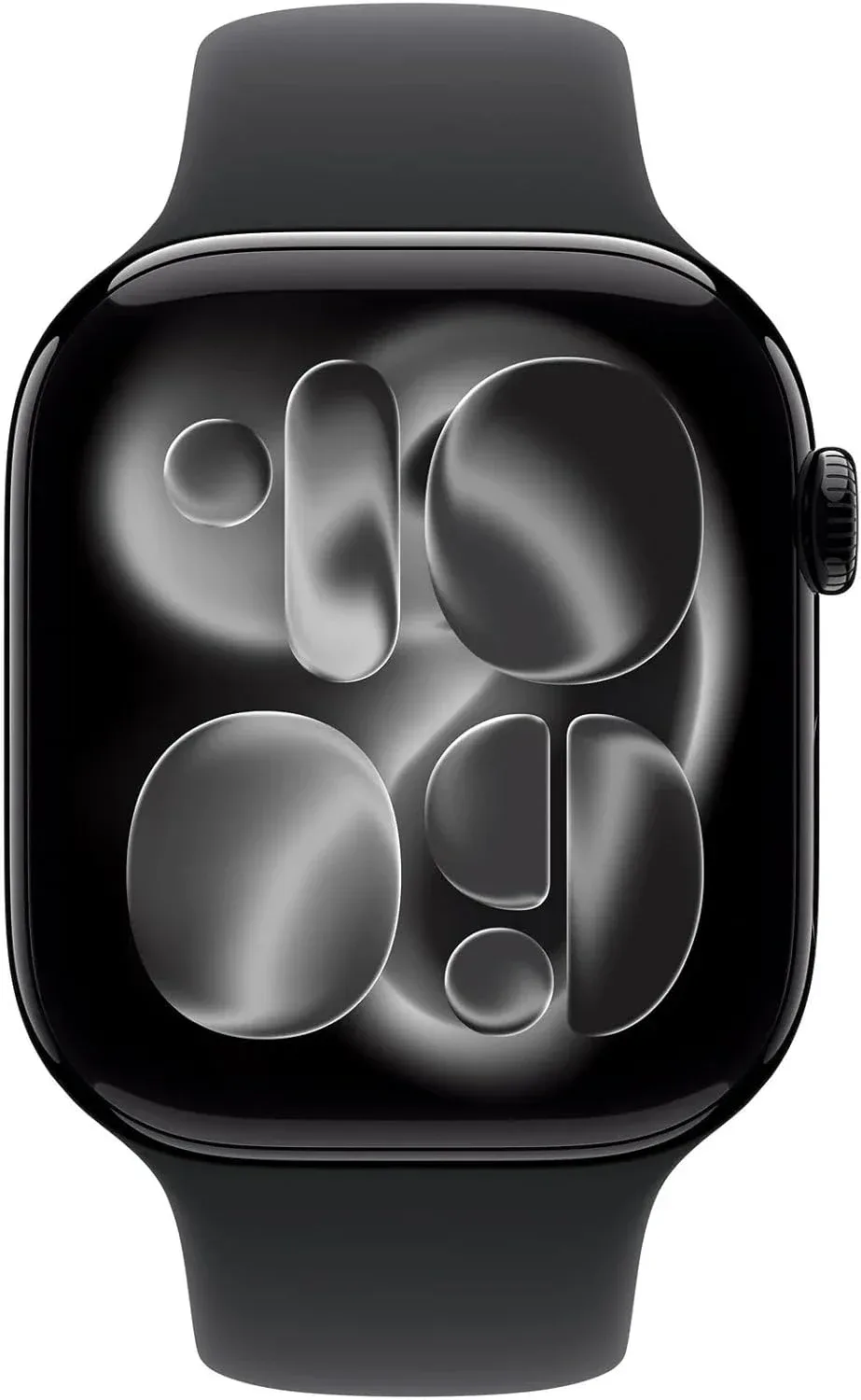
Good choice if: you want a strong daily smartwatch that also handles serious road running.
Check Series 11 PriceSeries 11 is more capable for running than the old Garmin-versus-Apple stereotype suggests. It supports custom workouts, Training Load, Heart Rate Zones, Race Route, Pacer, running power and advanced running-form metrics.
The tradeoff is still battery. Regular training is not a problem, but you will plan charging more often than with Garmin.
Apple Watch Ultra 3
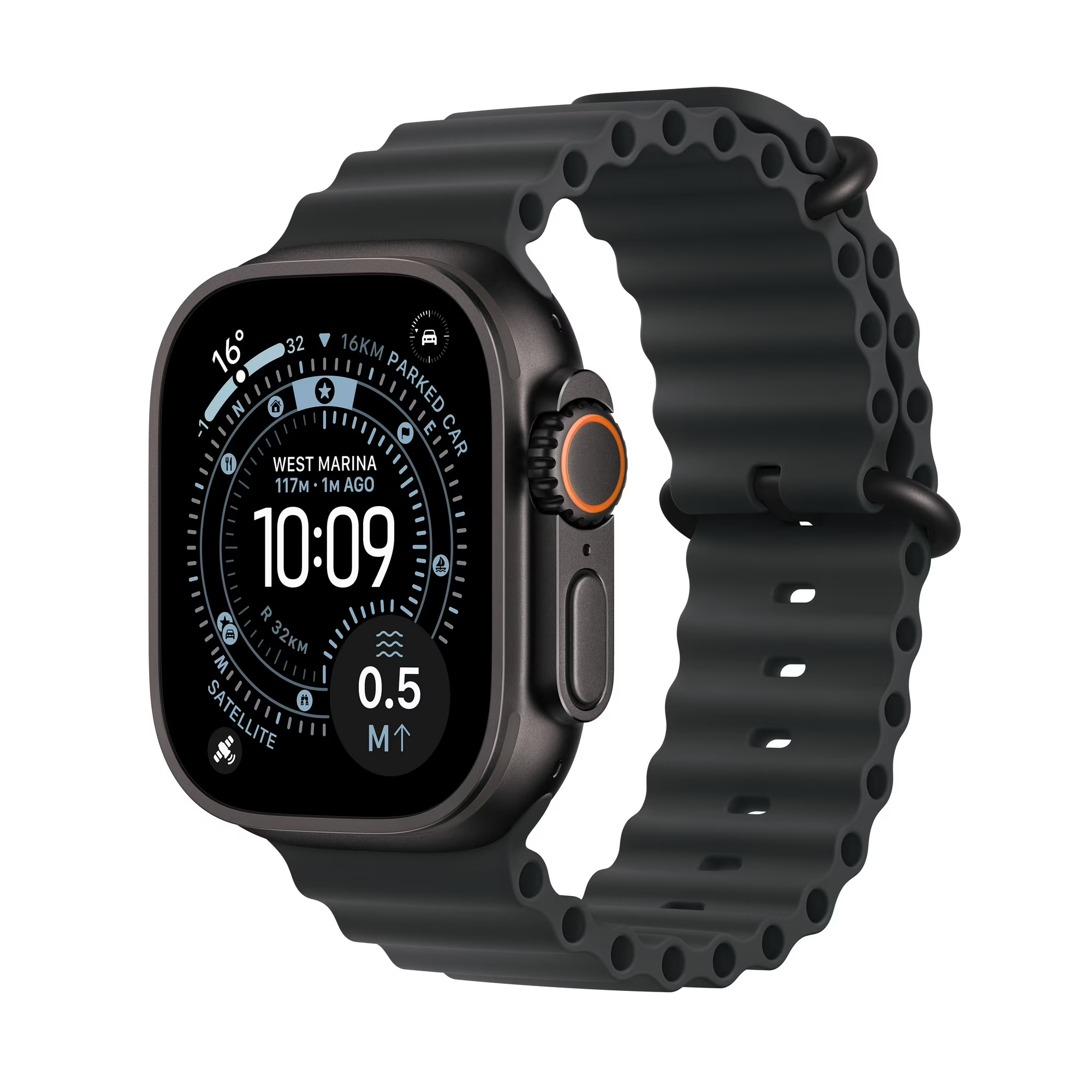
Good choice if: you want the strongest Apple Watch for endurance training and still want the full Apple smartwatch experience.
Check Ultra 3 PriceUltra 3 is the closest Apple gets to Garmin’s endurance-watch territory. It adds precision dual-frequency GPS, the Action button, a rugged 49 mm case and much more battery than Series 11.
Apple’s 72-hour Low Power Mode figure is a daily-use rating, not a 72-hour GPS workout. Apple rates continuous outdoor workout tracking in Low Power Mode at up to 20 hours with full GPS and heart-rate readings.
Apple Watch SE 3
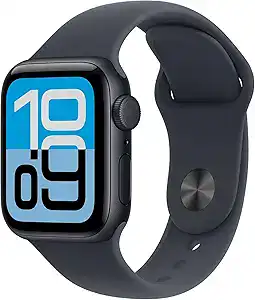
Good choice if: you want a lower-cost Apple Watch for easy runs, gym sessions and everyday use.
Check Apple Watch SE 3 PriceSE 3 has more running software than its budget position suggests. It supports custom workouts, Training Load, Heart Rate Zones, Race Route, Pacer and running-form metrics. Its bigger limitations for runners are battery life and single-frequency GPS, not a lack of workout features.
If running is the priority and your budget is tight, compare it with Garmin’s cheaper Forerunner models before buying. Garmin gives you much longer battery life, while SE 3 gives you the Apple ecosystem and optional cellular connectivity.
Where Garmin and Apple Actually Feel Different
Battery life
Garmin is easier if you want to wear the watch day and night and charge only occasionally. Ultra 3 narrows the gap, but Garmin remains the simpler choice for long races and travel.
Buttons vs touchscreen
Garmin’s physical buttons are useful during intervals, rain, snow and glove weather. Apple Watch Ultra adds an Action button, but the regular Apple Watch experience is still more touch-focused.
Training and recovery
Garmin puts Training Readiness, Training Status, HRV Status, recovery time and race tools in one runner-focused system. Apple now offers Training Load, custom workouts, Pacer, Race Route and detailed running metrics, so the gap is smaller than it used to be.
GPS and heart rate
Both brands can be accurate enough for most runners. Model, route, buildings, tree cover and watch fit matter more than the logo. For hard intervals, a chest strap is still worth considering on either platform.
Maps and trails
Higher-end Garmin watches remain easier for runners who regularly follow courses or run trails. Apple Watch supports offline maps and route features, but Garmin’s premium running and outdoor watches are more route-focused.
Smartwatch features
Apple wins here. Calls, messages, apps, Siri, Apple Music, Apple Pay and cellular options are the reason to choose Apple Watch even when Garmin is the better pure training tool. A cellular Apple Watch can also let you leave the iPhone at home while staying reachable on a run.
What Runners Say After Using Both
Garmin’s advantages are easiest to notice during training
Runners who switch from Apple to Garmin regularly mention battery life, physical buttons, maps, workout screens and having recovery and training data in one place. Those differences become more noticeable during marathon builds, long runs and trail training.
Apple’s advantages are easiest to notice the rest of the day
Runners who stay with Apple, or switch back to it, often mention cellular connectivity, leaving the phone at home, Apple Pay, music, apps and smoother iPhone integration. For someone who already likes the Apple ecosystem, those conveniences can matter more than extra training scores.
More data is not automatically better
Some Garmin owners love Training Readiness and Body Battery. Others say the recovery scores become background noise once they know how their own training affects them. That is a good reason not to pay more for Garmin metrics unless you expect to use them.
Owner discussions are useful for spotting day-to-day annoyances, but individual battery life, GPS results and software problems vary by watch, settings and firmware.